
Did you know we can boost every video you post about our products, with minimal effort on your part? And it’s completely free!
There are two ways to get free video boosts.
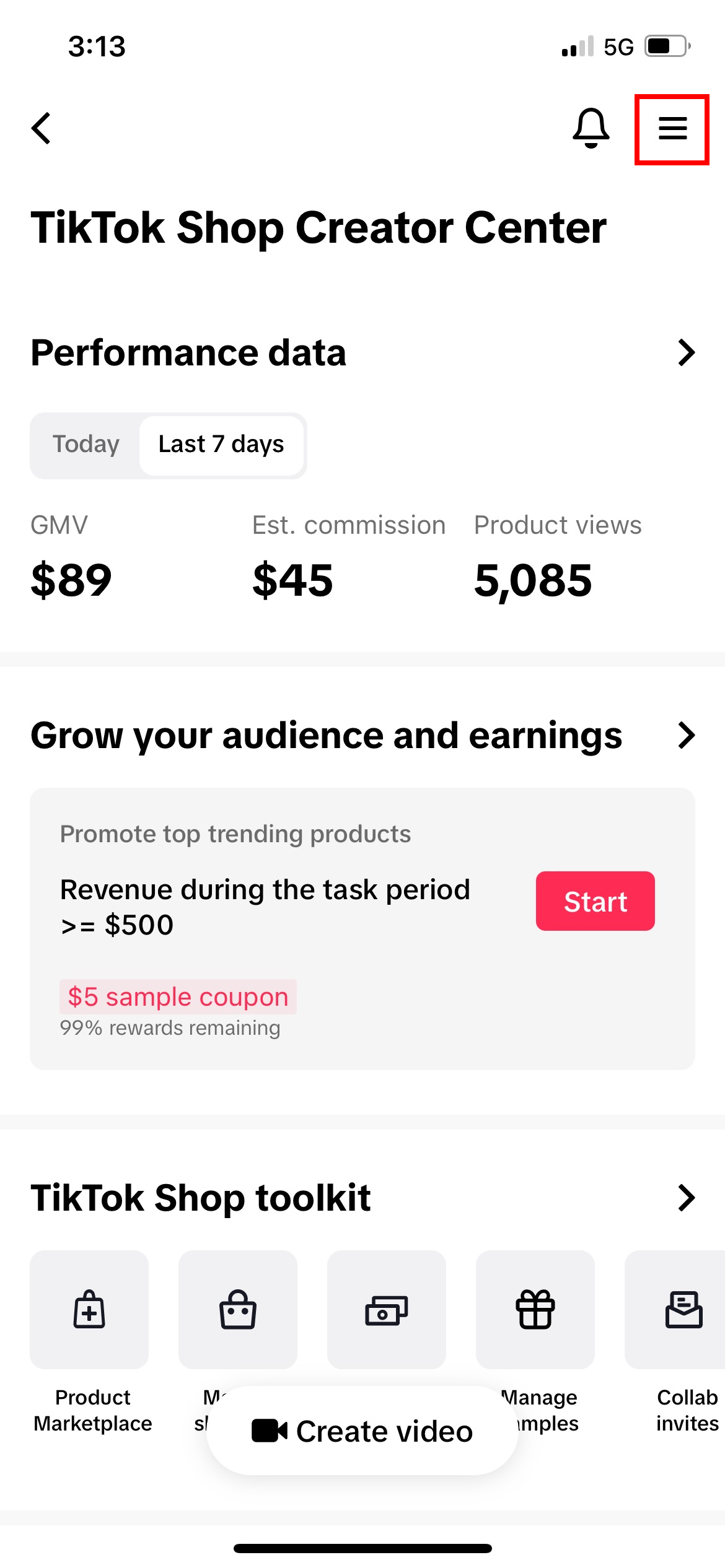
Go to your "Creator Center" and tap on the menu in the top right.
To get to your "Creator Center", simply go to TikTok shop. From there, you'll see an "Earn" icon at the very top. Click that.
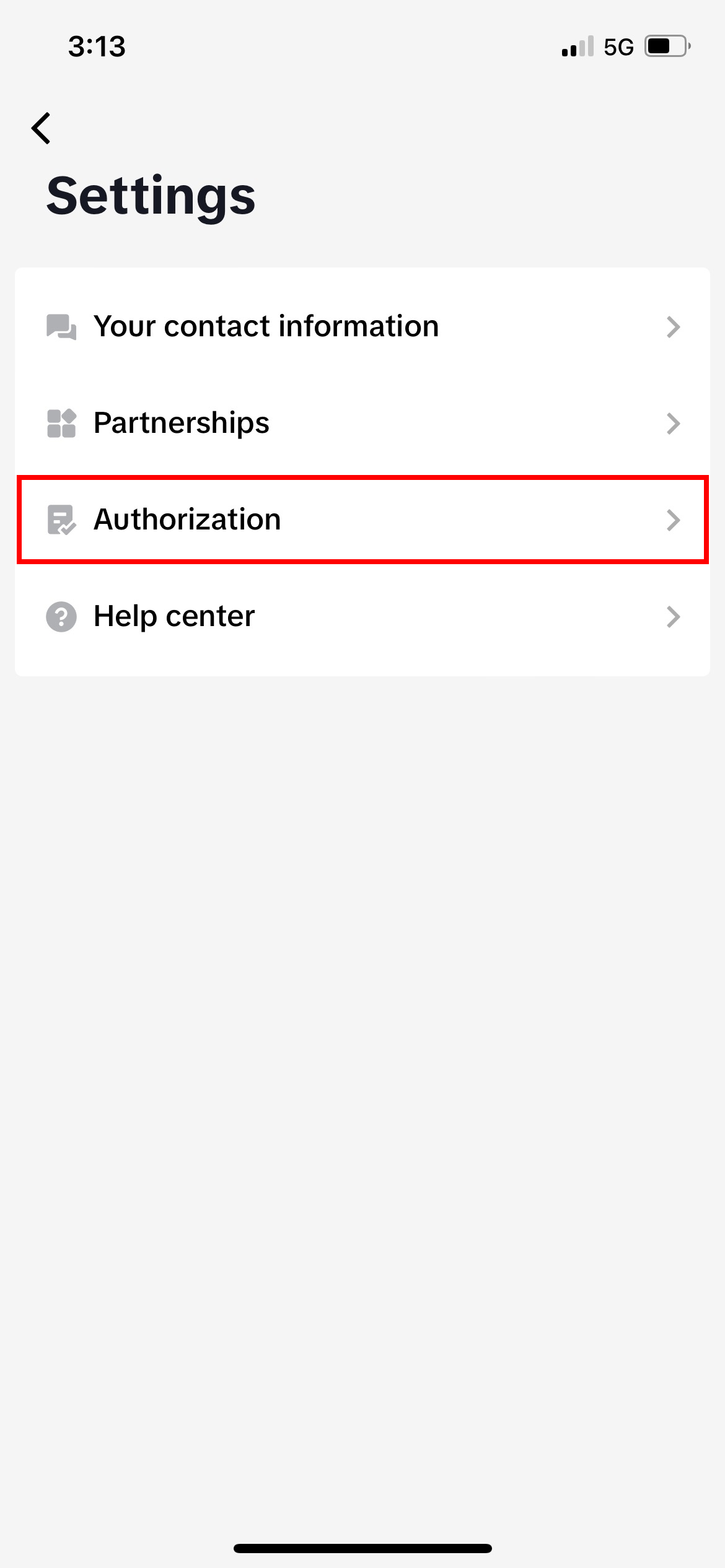
Click on "Authorization."
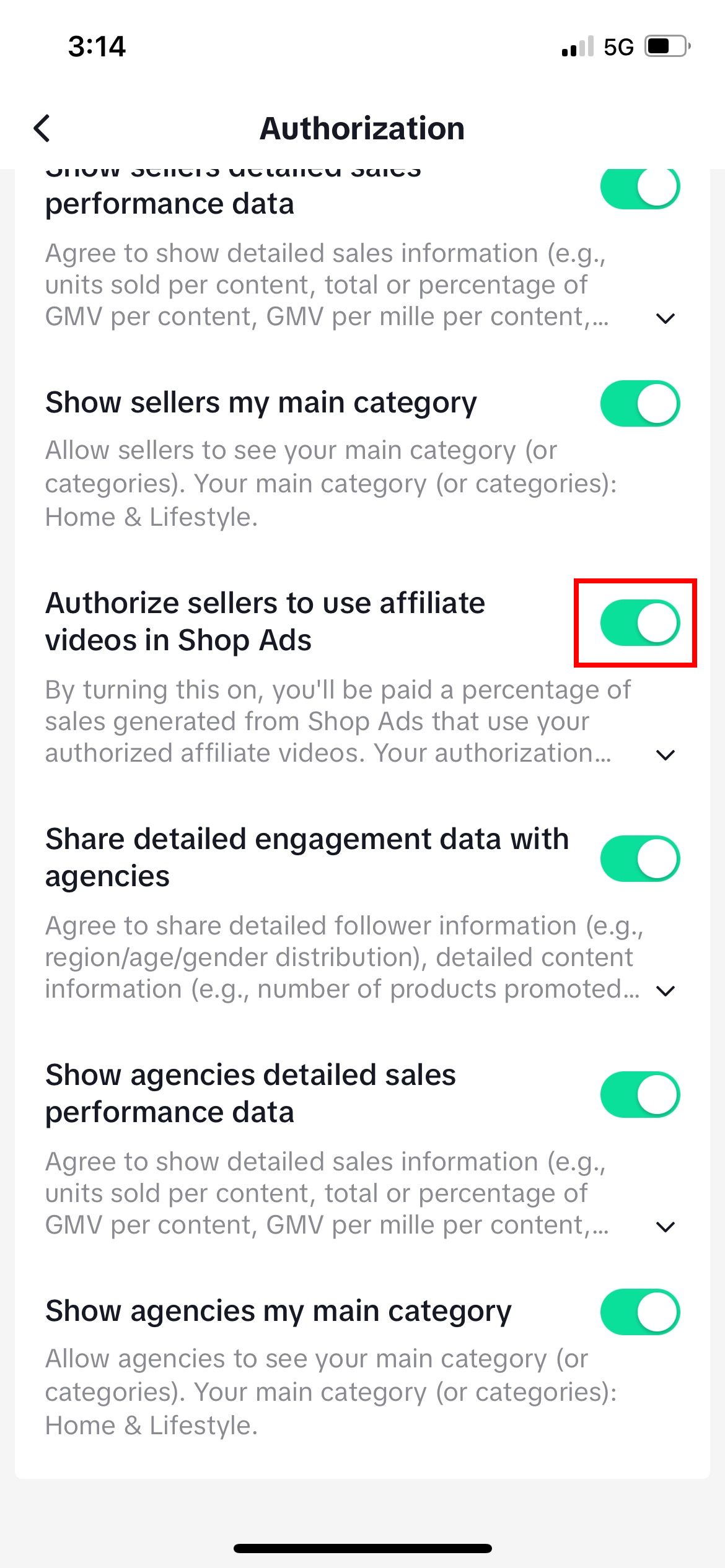
Toggle ON "Authorize sellers to use affiliate videos in Shop Ads."
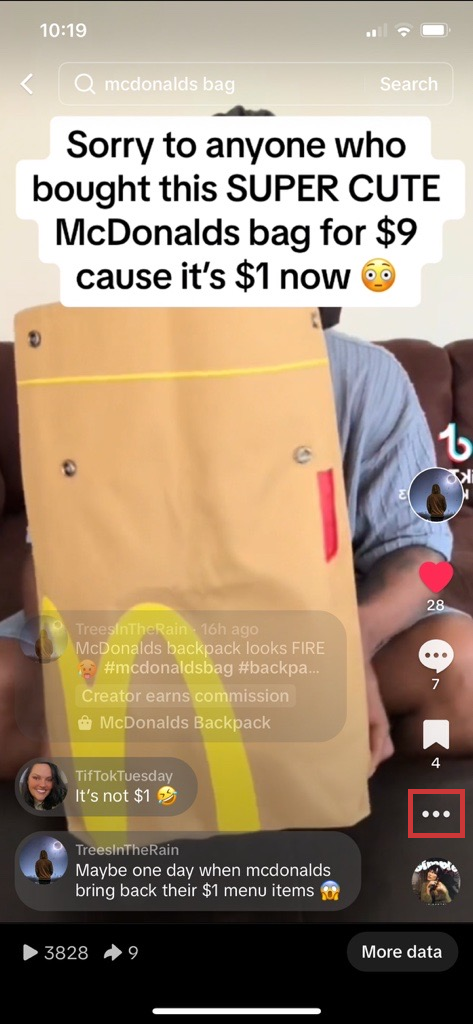
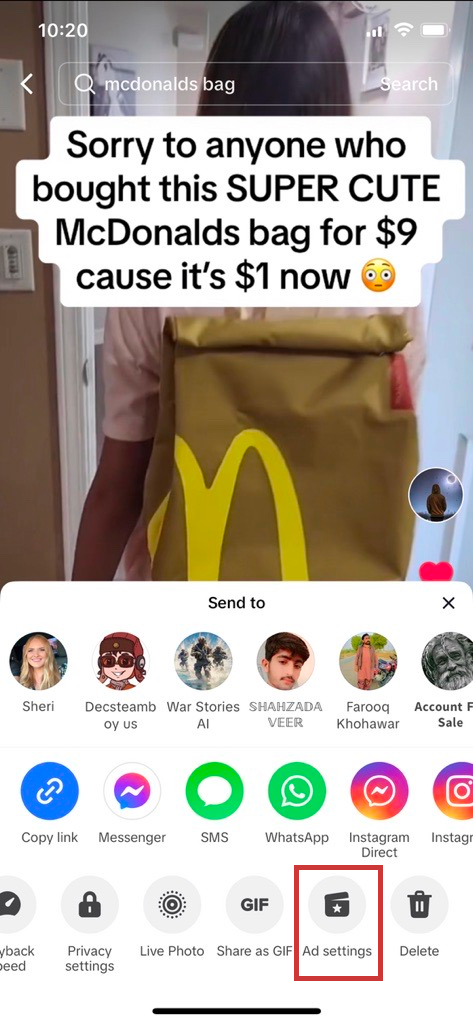
Click on the 3 dots on the video you made.
Click on "Ad settings."
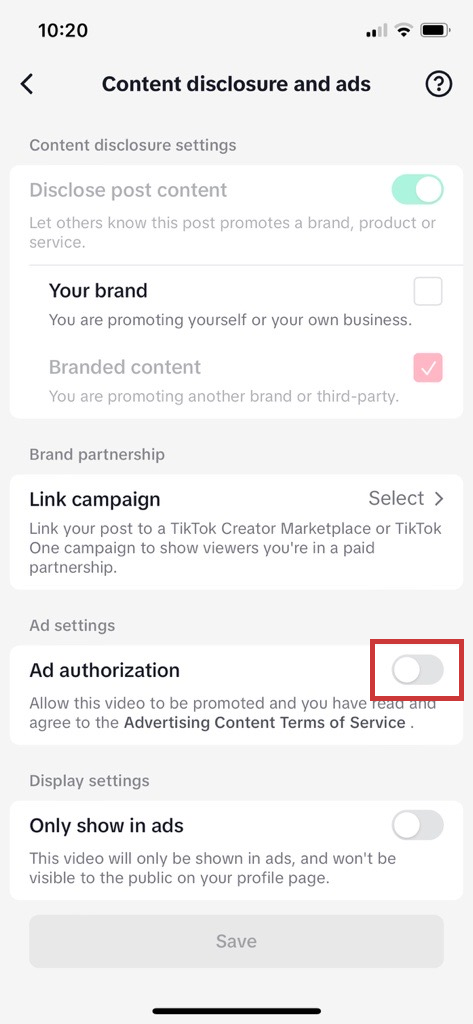
Toggle on "Ad authorization."
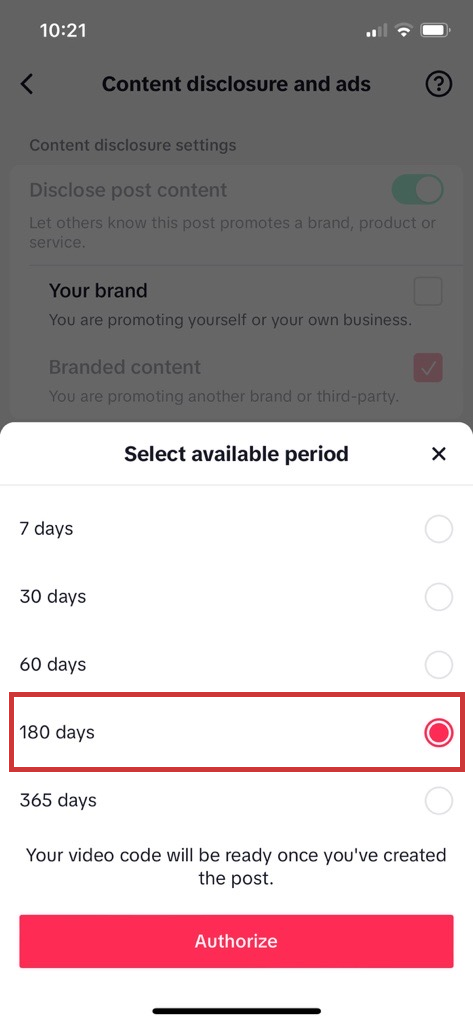
Select 180 days and press "Authorize." Then, share the generated code with us (either on Discord or on TikTok).

%201.svg)